Spring Flows
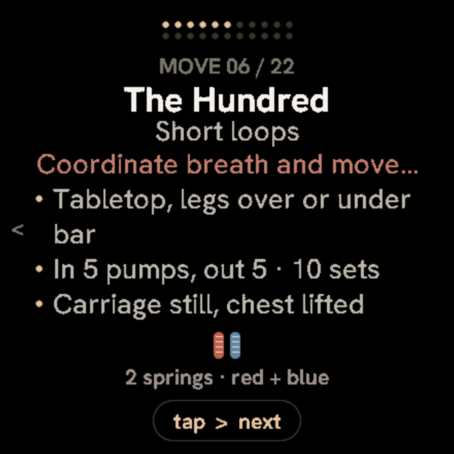
Reformer and mat Pilates flows on your wrist, with spring loads and cues.
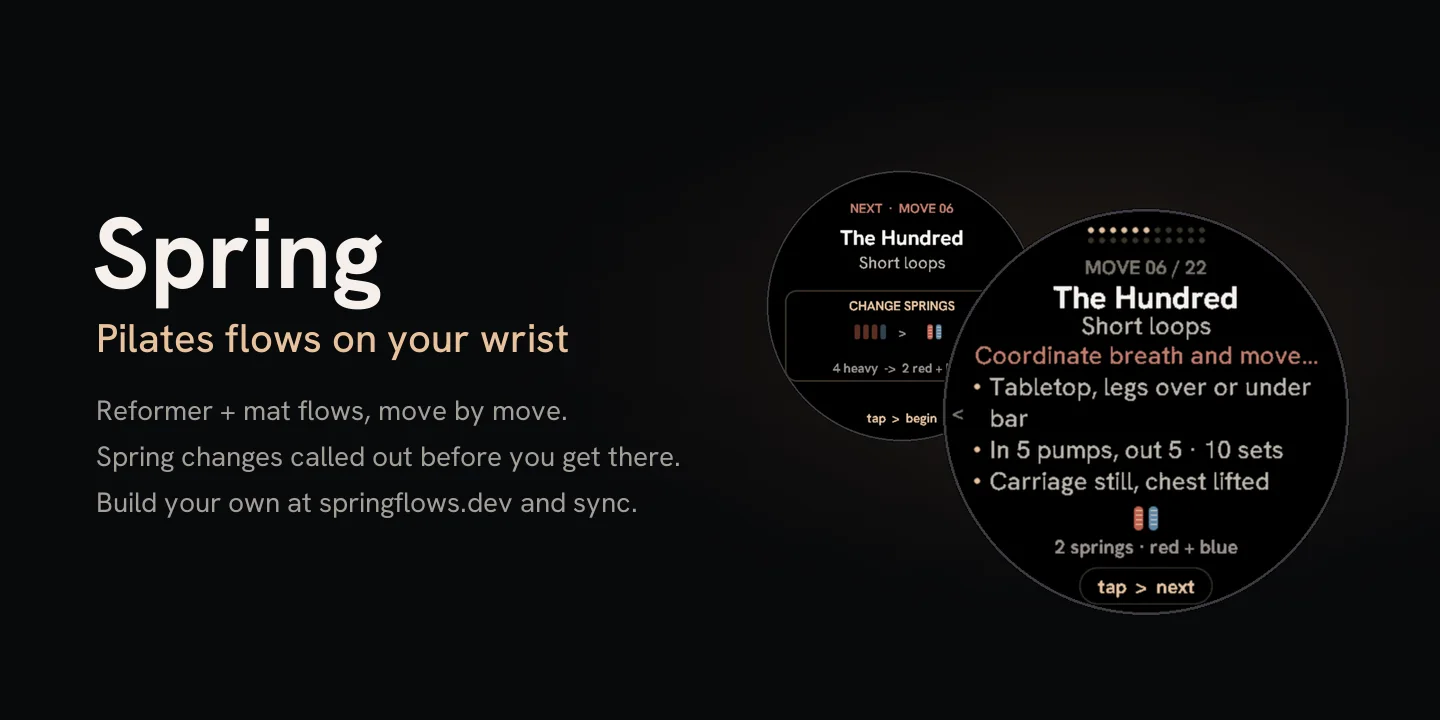
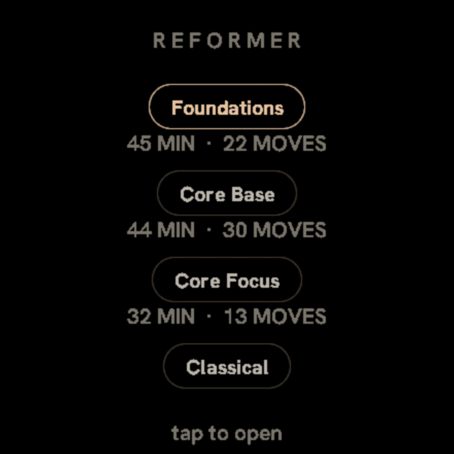
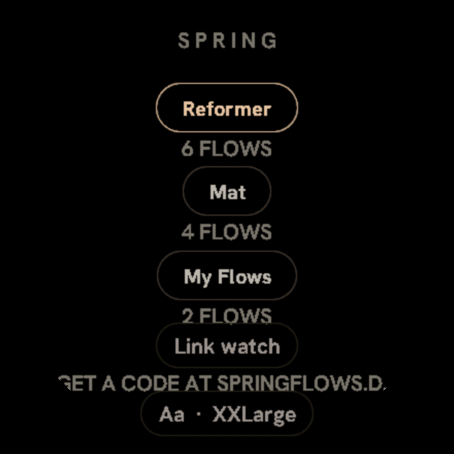
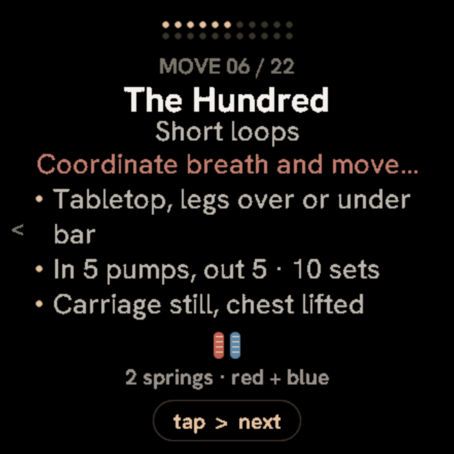
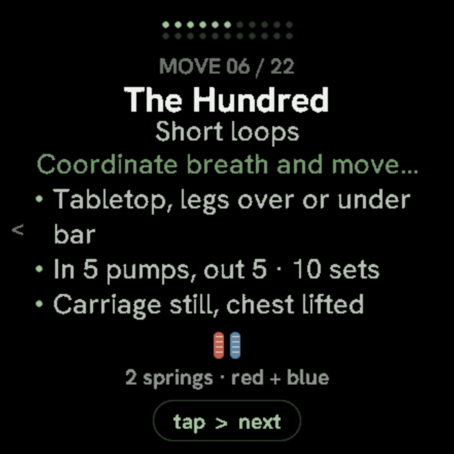
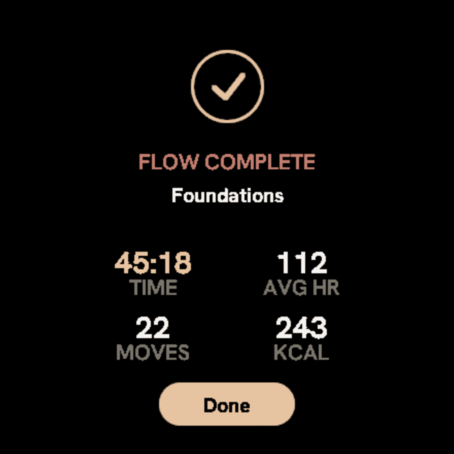
Pick Reformer or Mat, choose a flow, preview the moves, then tap through each card at your own pace. Every card shows the move, a short cue, and the spring load (or body position on mat). Built for students in class and instructors who want hands free and eyes up. On Garmin and Apple Watch.
More screens
Putting it on your watch
Garmin
- Open the Connect IQ app on your phone and find Spring Flows.
- Tap Install. It downloads the next time your watch syncs.
- Open it from the app list on your watch. Change settings in the Connect IQ app under My Device.
Apple Watch
- Open the App Store on your iPhone or Apple Watch and find Spring Flows.
- Tap Get / Buy, then install on your Apple Watch.
- Open it from the app list on the watch. Change settings in the watch app or on the phone.